
Introduction
A keyboard that almost fits is worse than no keyboard — it wastes a service visit and frustrates the customer. Here is the exact identification process our team uses.
Step 1 — Pull the model and part number
Flip the laptop over and read the service tag. For Dell, use the Service Tag; for HP, the Product Number; for Lenovo, the Machine Type. Cross-reference this against the keyboard FRU / SP number — these are printed on the back of the original keyboard.
Step 2 — Check layout (US vs UK vs ISO)
Most Indian laptops ship with US ANSI layout. UK ISO has a tall L-shaped Enter key. Mixing them is the most common return reason — always confirm before ordering.
Step 3 — Backlit or non-backlit
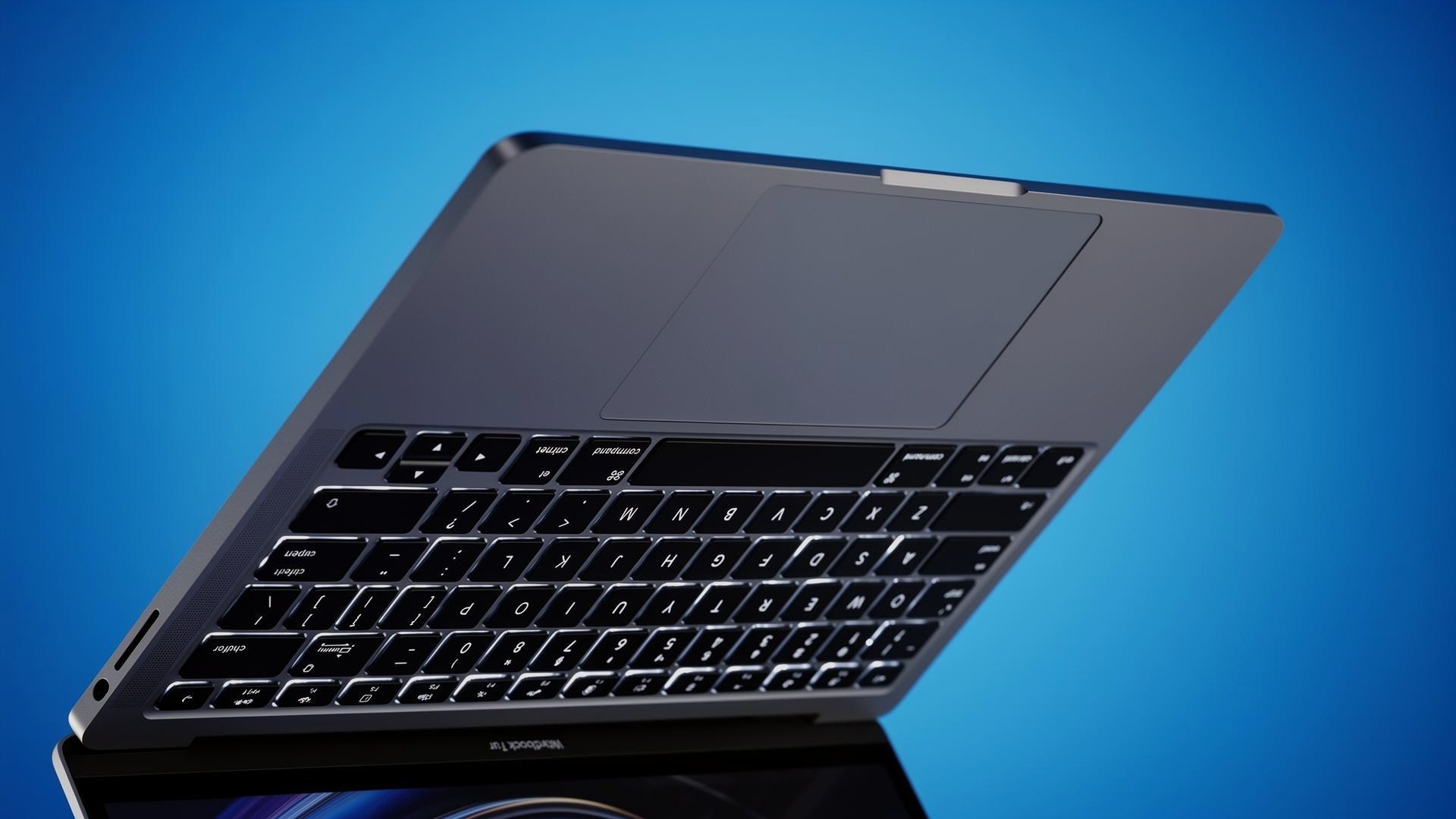
A backlit keyboard has an extra ribbon for the LED layer. Fitting a backlit unit to a non-backlit motherboard works, but the backlight won't switch on. The reverse — non-backlit in a backlit chassis — is fine.
Step 4 — Ribbon connector pitch
Even when the keys match, the ribbon cable's pitch and pin count must align with the motherboard's ZIF connector. ProCare's listings include the exact connector spec for each part.
Frequently asked questions
- Can I replace a non-backlit keyboard with a backlit one?
- Physically yes, but the backlight will not function unless the motherboard has a backlight controller and the ribbon supports it.
- What if my laptop model is not listed?
- Send our team the service tag or a photo of the existing keyboard's back label — we will confirm the right compatible part.
Looking for high-quality laptop spare parts?
ProCare stocks BIS-certified compatible parts for Acer, ASUS, Dell, HP, Lenovo, Samsung, Sony and Toshiba — shipped pan-India from Nehru Place, New Delhi.
Shop compatible laptop keyboards