
Introduction
It happens in a split second: a knocked-over mug of coffee or a spilled glass of water, right across your laptop keyboard. Liquid spills are one of the most common causes of laptop hardware failure in Delhi NCR, and the way you react in the first 60 seconds determines whether your laptop survives.
In this guide, we cover the immediate emergency steps you must take, how to determine the extent of the damage, and the reality of repairing versus finding OEM laptop parts for a full replacement.
The 60-Second Emergency Protocol
If you spill liquid on your laptop, do not panic, but act immediately:
1. Turn it off instantly: Do not shut down through Windows. Press and hold the physical power button until the screen goes black.
2. Unplug the charger: Disconnect it from the wall and the laptop.
3. Remove the battery: If your laptop has a removable battery, pop it out immediately.
4. Disconnect peripherals: Unplug any mice, flash drives, or monitors.
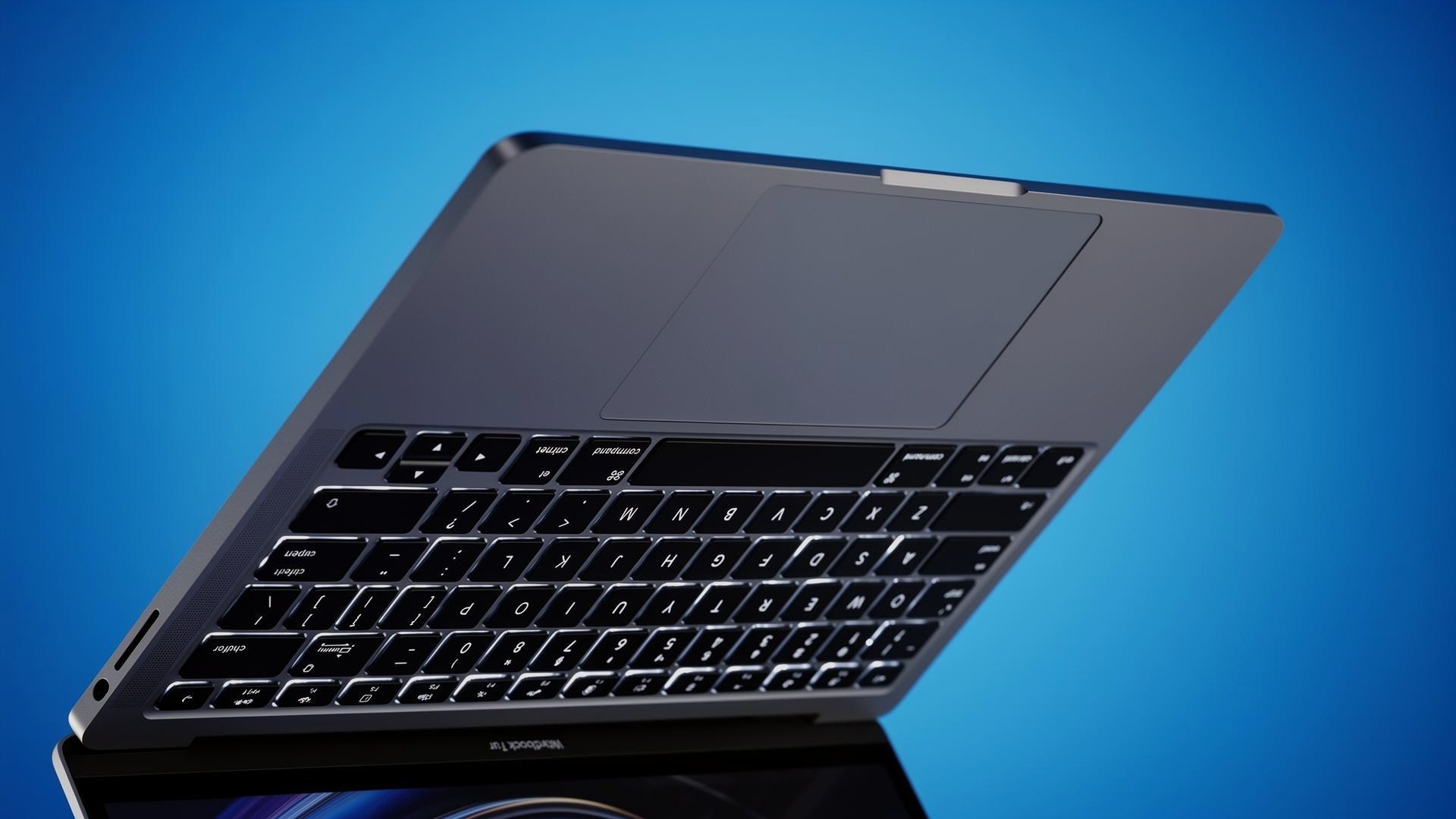
5. Flip it into a tent: Open the laptop into a 'V' shape and place it upside down on a towel so the liquid drains away from the motherboard.
What Happens to the Keyboard?
Laptop keyboards are made of multiple thin layers of plastic membrane with conductive traces. When liquid—especially sugary or acidic liquid like coffee—gets between these layers, it causes short circuits. This results in 'phantom typing' (where keys press themselves) or dead zones.
If you have a Lenovo ThinkPad keyboard not working after a spill, the underlying membrane is likely compromised. Unfortunately, you cannot just wash and dry the membrane; the entire keyboard unit must be replaced with genuine OEM laptop parts.
Internal vs. External Replacements
Some laptops have 'external' keyboards that can be popped out from the top. Others have 'internal' keyboards mounted beneath the top case, requiring a full disassembly of the laptop to replace.
If you need an Asus laptop replacement keyboard or an Apple MacBook keyboard, the installation method will heavily impact the repair time and cost at the Procare IT market.
Cost of Laptop Keyboard Replacement
So, what is the cost of laptop keyboard replacement? Standard non-backlit keyboards typically range from ₹1,000 to ₹2,500. Backlit keyboards cost slightly more, usually between ₹1,500 and ₹3,500, depending on the model.
At Procare in Nehru Place, we stock high-quality replacement keyboards with proper tactile response and precise ribbon connectors, ensuring your typing experience returns to normal.
Frequently asked questions
- Should I use rice to dry out my laptop?
- No. Rice leaves behind dust and starch that can cause further damage to the motherboard components. Air drying in a warm, dry room is better.
- Can I just replace a single sticky key?
- If a key is sticky due to dried liquid, you can sometimes clean under the keycap with isopropyl alcohol. But if the key doesn't register presses, the whole keyboard needs replacing.
- How long should I wait before turning the laptop back on?
- Wait at least 48 to 72 hours to ensure all internal moisture has evaporated before attempting to power it on.
Looking for high-quality laptop spare parts?
ProCare stocks BIS-certified compatible parts for Acer, ASUS, Dell, HP, Lenovo, Samsung, Sony and Toshiba — shipped pan-India from Nehru Place, New Delhi.
Get a replacement keyboard